inside cleve
Why Cleve Supports Multiple AI Models (And Why You Should Care)

Why should I use multiple AI models instead of just ChatGPT?
Different AI models are good at different things. Here's why we built Cleve to give you access to ChatGPT, Claude, Gemini, Perplexity, and more—all in one workspace.
If you've used ChatGPT, Claude, or any other AI writing tool, you've probably noticed they each have their own personality. Claude tends to be more conversational and creative. GPT is great at structured outputs and technical content. Gemini excels at research and fact-checking. Perplexity is your go-to for real-time web information.
The thing is, when you're creating content, you don't always need the same thing. Sometimes you want creative brainstorming. Other times you need factual research. Sometimes you just need quick edits.
So we asked ourselves: why should you have to pick one AI model and stick with it?
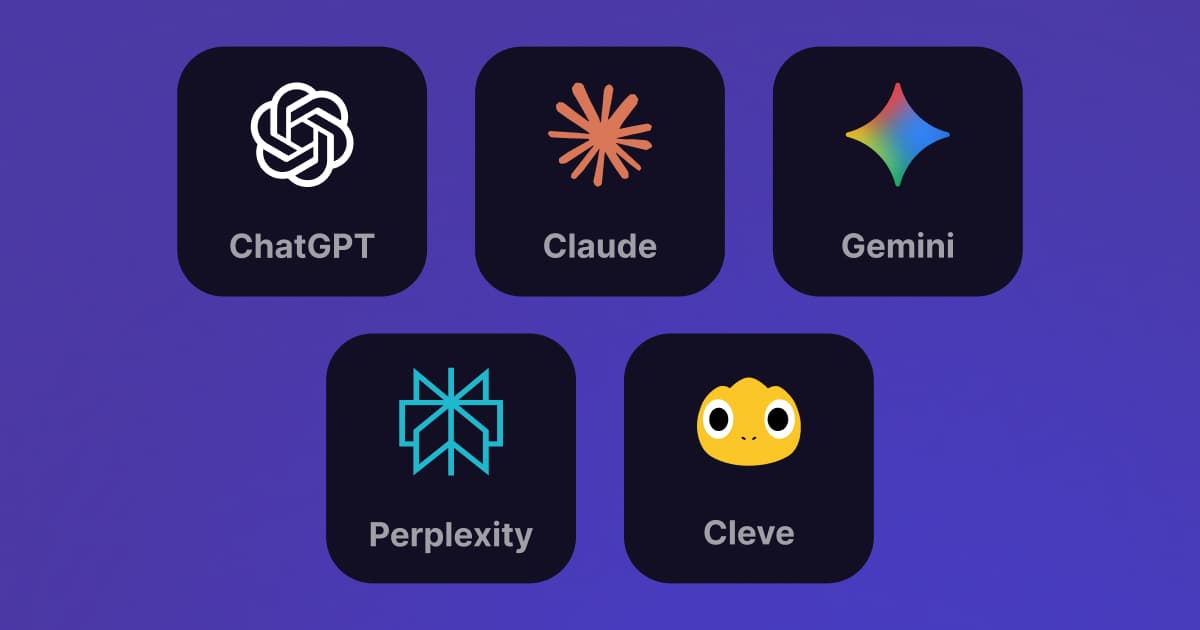
If you've used ChatGPT, Claude, or any other AI writing tool, you've probably noticed they each have their own personality. Claude tends to be more conversational and creative. GPT is great at structured outputs and technical content. Gemini excels at research and fact-checking. Perplexity is your go-to for real-time web information.
The thing is, when you're creating content, you don't always need the same thing. Sometimes you want creative brainstorming. Other times you need factual research. Sometimes you just need quick edits.
So we asked ourselves: why should you have to pick one AI model and stick with it?
That's why Cleve supports multiple AI models—and automatically routes your requests to the best one for the job.
The Problem With Single-Model Tools
Most AI writing tools lock you into one model. If you're using ChatGPT, you're stuck with GPT. If you're using Claude's interface, you only get Claude. And if you want to try a different model, you have to switch apps, lose your context, and start over.
This gets annoying fast when you realize each model has strengths and weaknesses:
-
Claude (Anthropic) is fantastic for creative writing and conversational tone. It picks up on nuance and writes in a way that feels human. But it's not always the best for technical accuracy or structured data.
-
GPT (OpenAI) is great at following instructions precisely and generating structured content like lists, tables, or technical documentation. But it can sometimes sound a bit formal or generic.
-
Gemini 3 Pro (Google) is excellent for processing lots of context and has recently had significant improvements in conversational writing. It handles research-heavy tasks well and can process large amounts of information at once. The latest release has made it much better at creative writing too.
-
Perplexity is specialized for real-time web research. If you need current information or want to cite sources, Perplexity is unmatched. But it's not designed for long-form creative writing.
When you're building a content workspace, you need all of these. Not just one.
How Cleve Handles Multiple Models
Brand Guide


Access multiple AI models in one workspace
We built Cleve to give you access to all the major AI models in one place. Here's what's currently available:
| Model | Provider | Best For |
|---|---|---|
| Claude Sonnet 4.5 | Anthropic | Creative writing, conversational tone, storytelling |
| Gemini 3 Pro | Processing large context, conversational writing, creative tasks | |
| GPT-5.2 | OpenAI | Technical content, structured outputs, precise instructions |
| Perplexity | Perplexity AI | Real-time information, web research, cited sources |
We keep these updated automatically whenever the providers release new versions. So when OpenAI (the company behind ChatGPT) ships GPT-6 or Anthropic releases Claude 5, you'll get access without having to do anything.
Real Examples: When Different Models Matter
Let me give you some concrete examples from how our users actually work with Cleve.
Task: Draft a post about remote work culture based on personal experience.
Best model: Gemini 3 Pro or Claude Sonnet 4.5 (close tie—Gemini 3 Pro is currently our favorite)
Why: Both models excel at conversational tone and storytelling. Gemini 3 Pro has seen major improvements recently and can process massive amounts of context, making it excellent for drawing on your past writing. Claude is equally strong at capturing nuance and matching your voice. Both write in a way that feels authentic and human.
What GPT would do wrong: GPT might make it too formal or structured, losing the personal touch that makes thought leadership posts resonate.
Task: Compare different project management tools with pros, cons, and pricing.
Best model: GPT-5.2
Why: This is structured data. GPT excels at creating clean tables, following formats precisely, and organizing information logically. It's also great at extracting details from product specs.
What Claude would do wrong: Claude might get conversational and add commentary where you just want clean, factual data.
Task: Write a post about the latest AI regulations in the EU.
Best model: Gemini or Perplexity
Why: This needs factual accuracy and up-to-date information. Gemini and Perplexity are both great at research. Perplexity will even cite sources so you can verify.
What Claude would do wrong: Claude might sound confident but could miss recent updates since its knowledge has a cutoff date.
Task: Discover what's trending in your industry right now.
Best model: Perplexity
Why: Perplexity has real-time access to the web and can pick up on trending conversations, news, and viral topics happening right now.
What GPT would do wrong: GPT doesn't have real-time data, so it can't tell you what's trending this week.
Why This Matters for Content Creators
If you're building a personal brand or creating content regularly, you're not doing just one type of work. You're:
- Brainstorming ideas (needs creativity)
- Researching topics (needs accuracy)
- Drafting posts (needs voice matching)
- Creating structured content (needs formatting)
- Finding trending topics (needs real-time data)
Having access to multiple AI models means you can do all of this in one place. You don't need to juggle between ChatGPT for drafting, Perplexity for research, and Claude for creative work. It's all in Cleve.
And because Cleve learns your writing style over time (by reading your past posts and content), every model you use gets the same context about how you write. So whether you're using Claude or GPT, the output sounds like you.
Getting the Best of All Models
Here's the thing: different people have different favorite models. Some prefer Claude's conversational style. Others like GPT's precision. Many are now loving Gemini 3 Pro's ability to process massive context.
With Cleve, you get the best of all of them—and you can switch models mid-chat.
Here's how I personally use it: I'll start with GPT-5.2 to help structure an idea and go back and forth on the outline. Once we've nailed the structure, I'll switch to Gemini 3 Pro to work on the final write-up, drawing on all my past content for context. And if I'm not satisfied with how it sounds, I'll have Claude Sonnet 4.5 do a final polish to humanize it.
You can chain models together like this for any workflow. Use one model's strengths, then hand it off to another. It's like having a team of AI assistants, each excellent at different things, all working together on your content.
Wait, How Can Cleve Offer All These Models?
You might be wondering: "If these are premium AI models, how does Cleve have access to all of them?"
It's simpler than you think. ChatGPT, Claude, Gemini, and Perplexity all have APIs—application programming interfaces that let developers like us access their models directly in our own apps. We pay the model providers directly to use these APIs.
The models in Cleve are the exact same models you'd use in ChatGPT, Claude.ai, or Gemini. Same technology, same capabilities.
So what's different?
Cleve builds the workspace layer that makes all these models actually useful for content creation.
When you use ChatGPT directly, it doesn't know anything about your past writing. Same with Claude or Gemini. Every conversation starts from scratch.
In Cleve, every model has a strong memory of you. They all have access to your past posts, your writing style, your recurring themes, your voice. It's like having a personalization layer added to all the models.
So when you ask Gemini to draft a LinkedIn post in Cleve, it's drawing from the same context that Claude has access to. And when you switch to GPT for structured content, it already knows how you write and what topics you care about.
You're not just getting access to the models. You're getting them with your context baked in.
The Future: More Models, More Choice
We're constantly evaluating new AI models as they come out. If there's a model that's genuinely better for a specific use case, we'll add it.
Some things we're exploring:
- Specialized models for specific industries (e.g., legal writing, medical content)
- Custom model routing rules so you can set preferences for different types of content
- Multi-model collaboration where different models work together on the same draft (e.g., Claude writes the creative parts, GPT structures the data)
But the core idea stays the same: you shouldn't have to choose one AI model and settle. You should get the best tool for each job.
How to Use Multiple Models in Cleve
If you're already using Cleve, here's how to make the most of multiple models:
1. Let auto-routing handle it (recommended for most people)
Cleve has an Auto mode that automatically routes your request to the most suitable model for your task. Creative writing? It'll use Claude or Gemini. Structured data? GPT. Real-time research? Perplexity. You don't have to think about it—just ask, and Cleve picks the right model. This works well 90% of the time.
2. Manually switch models when you have a preference
In the AI chat, there's a dropdown to select which model you want. If you know you want Claude for a creative task or GPT for a technical one, just pick it.
3. Experiment with different models for the same prompt
Sometimes it's useful to see how different models approach the same task. You can ask Claude to draft something, then switch to GPT and ask the same question. Compare the outputs and pick the best parts from each.
Try It Yourself
You can try Cleve for free at app.cleve.ai.
Or download the mobile apps: iOS | Android
If you've been frustrated by the limitations of single-model AI tools, this might be exactly what you need.
And if you have feedback on which models work best for your use cases, let me know. We're always refining and would love to hear what's working (or not working) for you.
— Ashvin
P.S. If you're curious about which model wrote which part of this post... it was mostly me, with Claude helping edit a few sections. That's how it should work: AI assists, you create.


Write better content
Join thousands of writers who use Cleve to capture ideas, organize their thoughts, and create content that resonates